


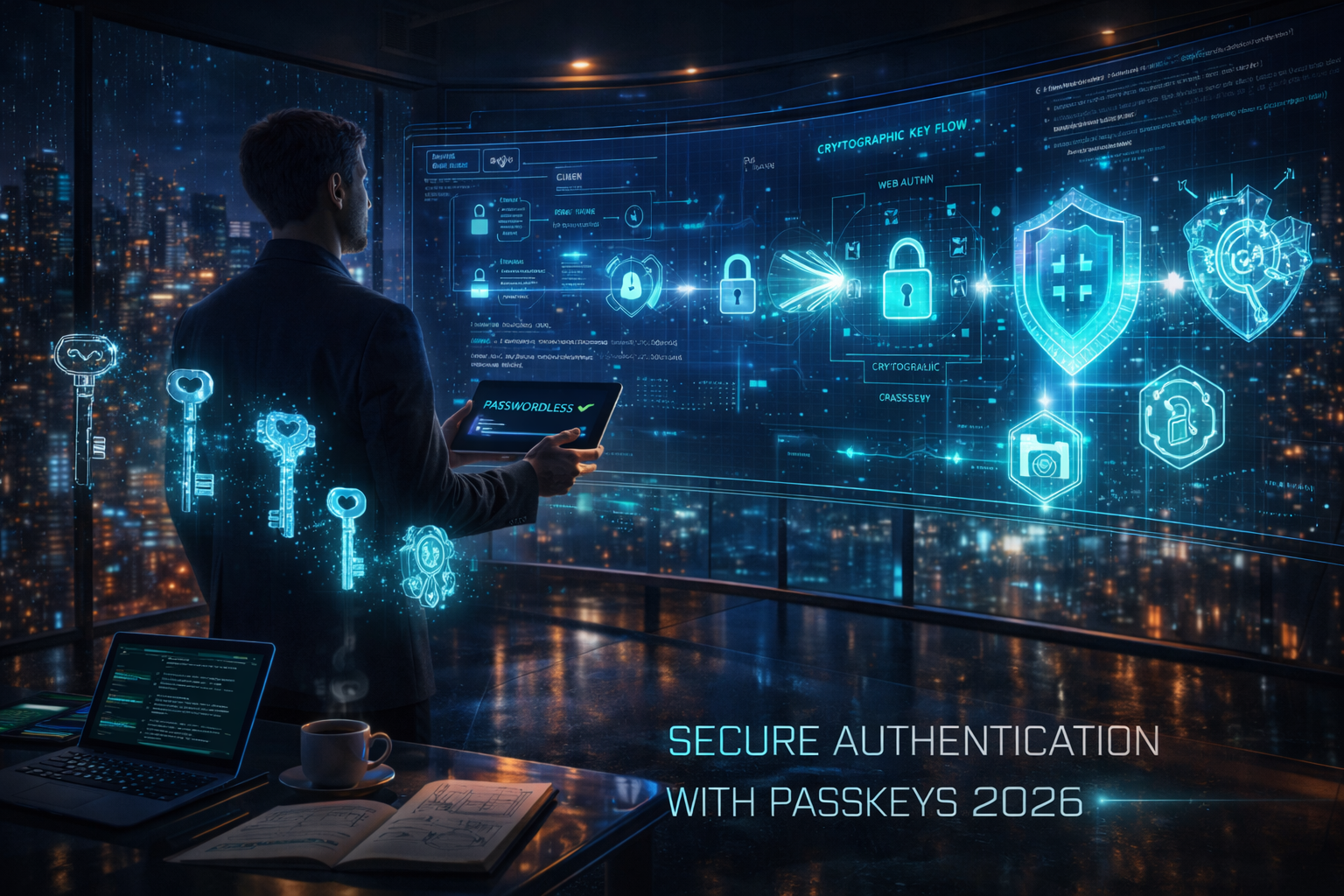
The era of the shared secret is ending. In early 2026, password-based breaches remain the primary vector for unauthorized access, despite a decade of multi-factor authentication (MFA) advocacy. Passkeys, built on the FIDO2 and WebAuthn standards, offer a definitive solution by replacing traditional credentials with cryptographic key pairs.
This guide is for technical leads and developers moving beyond the "experimental" phase of passkey adoption. We will outline the architectural requirements, the registration flow, and the practical hurdles encountered when deploying passwordless systems across diverse device ecosystems.
The State of Authentication in 2026
By 2026, major operating systems and browsers have fully matured their passkey synchronization clouds (Apple iCloud Keychain, Google Password Manager, and Microsoft Cloud). The "syncable" passkey has solved the primary friction point of early adoption: device lock-in.
However, a common misunderstanding persists that passkeys are merely "biometrics for websites." In reality, the biometric (fingerprint or face scan) is only the local authorization gesture. The actual authentication happens via an asymmetric cryptographic challenge-response. This shift eliminates phishing risks because the private key never leaves the user’s device, and the public key stored on your server is useless to an attacker if leaked.
Core Framework: Asymmetric Security
Passkey implementation relies on the WebAuthn API. When a user registers, your server generates a unique challenge. The user’s device (the Authenticator) signs this challenge using a private key and sends a public key back to your server.
Key Nuance: Discovery vs. Security
One significant trade-off in 2026 is the choice between "Resident Keys" (Discoverable Credentials) and non-discoverable ones. Discoverable credentials allow for a "usernameless" flow where the user clicks "Sign In" and the browser suggests available passkeys. While superior for user experience, this requires more storage on hardware security keys (like YubiKeys), though it is handled seamlessly by modern smartphone "platform authenticators."
Practical Application: Implementation Steps
Integrating passkeys requires changes to both your frontend and backend. For firms looking to build robust ecosystems, partnering with specialists in Mobile App Development in Georgia can ensure that platform-specific API calls for iOS and Android are handled according to 2026 security benchmarks.
1. The Registration Ceremony
Your backend must provide a publicKeyCredentialCreationOptions object. This includes:
-
Challenge: A cryptographically strong random buffer.
-
RP ID: Your domain (e.g., "example.com").
-
User ID: A permanent, non-identifiable internal ID.
2. The Authentication Ceremony
When the user returns, the server issues a publicKeyCredentialRequestOptions. The client calls navigator.credentials.get(), the user performs their biometric check, and the browser returns an assertion signature.
3. Verification
The server must verify the signature using the stored public key. In 2026, it is critical to verify the Origin and RP ID to prevent "Attestation" spoofing, where a malicious actor tries to register a key from an unauthorized domain.
AI Tools and Resources
Passkey.org (by Corbado) — A specialized testing environment for WebAuthn workflows.
-
Best for: Debugging raw WebAuthn ceremony responses and JSON structures.
-
Why it matters: Visualizes the handshake between the browser and the authenticator.
-
Who should skip it: Teams using high-level SDKs (like Firebase or Auth0) that abstract the API.
-
2026 status: Updated to support the latest FIDO2.2 specifications.
Passkeys Debugger (by FIDO Alliance) — An official tool for validating credential responses.
-
Best for: Ensuring your server-side verification logic handles various attestation formats correctly.
-
Why it matters: Prevents implementation errors that could lead to account lockout.
-
Who should skip it: Non-technical product managers.
-
2026 status: The industry standard for compliance testing.
Risks, Trade-offs, and Limitations
While passkeys are significantly more secure than passwords, they are not a "set and forget" solution.
When Passkeys Fail: The Account Recovery Deadlock
A user loses their only physical security key and has disabled cloud synchronization for privacy reasons.
- Warning signs: High volume of "I can't log in" tickets following a move to mandatory passkeys.
- Why it happens: Without a fallback (like a recovery code or "Magic Link"), the account is mathematically inaccessible.
- Alternative approach: Always implement and enforce the generation of offline "Recovery Codes" during the initial passkey setup.
Key Takeaways
-
Move to Discoverable Credentials: Prioritize "usernameless" logins to maximize the UX benefits of passkeys in 2026.
-
Verify, Don't Trust: Always validate the
originandchallengeon the server-side to prevent replay attacks. -
Solve for Recovery Early: Passkey-only flows are dangerous without a robust, verified recovery path (e.g., identity verification or backup codes).
-
Monitor Attestation: Use the latest metadata services to identify the security level of the device being used (e.g., identifying a hardware TPM vs. a software-backed key).

 English
 Arabic
 French
 Spanish
 Portuguese
 Deutsch
 Turkish
 Dutch
Dutch
 Italiano
 Russian
 Romaian
 Portuguese (Brazil)